

Description
Download MATLAB Learn Language Programming – Powerful, Secure, Free for Students & Engineers
MATLAB Learn Language Programming is a comprehensive educational platform designed to help beginners and professionals master one of the world’s most powerful technical computing languages. Whether you're a student exploring engineering concepts, a researcher analyzing complex data, or a professional in finance or robotics, MATLAB offers a seamless environment to write, test, and deploy algorithms. With its intuitive syntax and robust toolset, MATLAB simplifies complex mathematical computations, data visualization, and algorithm development. The software is widely used across industries—from NASA and the Department of Defense to pharmaceutical research and financial modeling—making it a critical skill for modern STEM careers. This guide dives into everything you need to know about downloading, installing, and using MATLAB Learn Language Programming on Windows, Mac, Android, and iOS. Discover how this secure, regularly updated tool empowers users to solve real-world problems in science, engineering, and beyond.
Why MATLAB is the Top Choice for Learning Programming in Science and Engineering
When it comes to mastering programming in technical fields, MATLAB stands out as a gold-standard platform. Unlike general-purpose languages like Python or Java, MATLAB is specifically engineered for numerical computing, matrix operations, and algorithm development—making it ideal for engineers, scientists, and researchers. The language’s syntax is designed to mirror mathematical expressions, so writing code feels natural and intuitive. For instance, instead of writing complex loops to manipulate arrays, you can perform matrix multiplication with a single line: A * B. This simplicity drastically reduces development time and minimizes errors.
One of MATLAB’s greatest strengths lies in its interactive environment. The Live Editor allows users to write code, visualize results, and document their work in real time—all within a single interface. This is particularly beneficial for students learning programming concepts, as they can see immediate feedback on their code. Whether you're simulating a physics model, analyzing sensor data from a drone, or building a machine learning classifier, MATLAB provides built-in functions and toolboxes that eliminate the need to write everything from scratch.
Moreover, MATLAB Learn Language Programming is not just a tool—it’s a learning ecosystem. It includes tutorials, interactive lessons, and real-world projects that guide users step-by-step through core programming concepts like loops, conditionals, functions, and object-oriented design. The software is regularly updated with new features, security patches, and improved performance, ensuring that users always have access to the latest tools. For educators, MATLAB also offers classroom-ready materials and assessment tools, making it a preferred choice in universities and technical institutions worldwide.
Key Features and Tools That Make MATLAB a Must-Have Programming Tool
MATLAB Learn Language Programming comes packed with a suite of powerful features that streamline development and enhance learning. One of the most valuable is the Symbolic Math Toolbox, which allows users to perform algebraic manipulations, calculus, and equation solving symbolically—perfect for advanced math and theoretical physics applications. This capability bridges the gap between theoretical knowledge and practical implementation, helping students grasp abstract concepts more easily.
Another standout feature is the Simulink environment, a graphical modeling tool used for simulating dynamic systems. From control systems and robotics to signal processing and power electronics, Simulink enables users to design, simulate, and test complex systems visually. This is especially useful for engineering students who benefit from seeing how systems behave over time, rather than just writing equations.
For data scientists and researchers, the Statistics and Machine Learning Toolbox offers a wide range of algorithms for classification, regression, clustering, and deep learning. With pre-built models and easy-to-use functions, even beginners can build predictive models without needing a deep background in statistics. Additionally, MATLAB supports integration with external tools like Python, C++, and databases, making it a versatile choice for interdisciplinary projects.
Other notable features include:
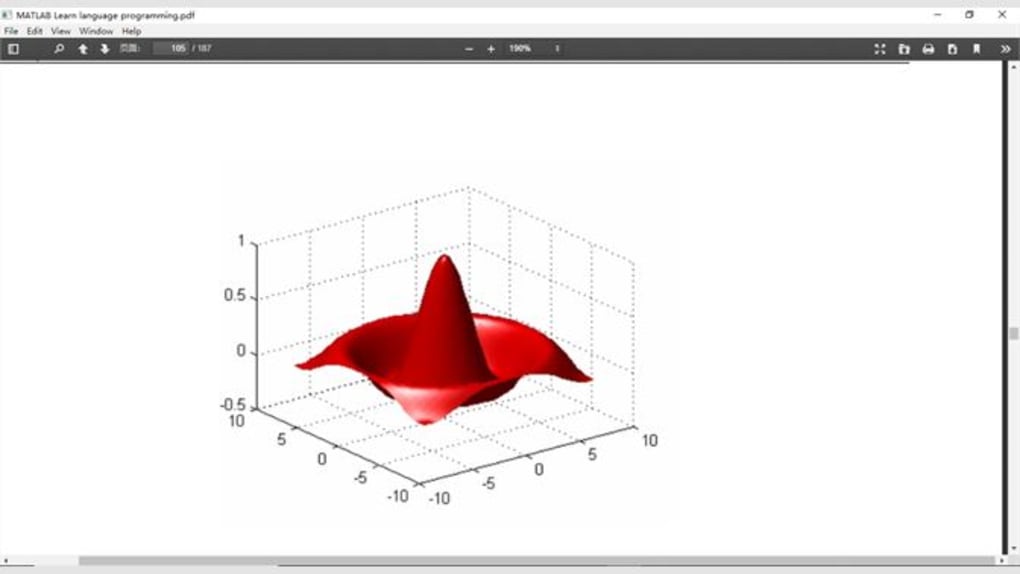
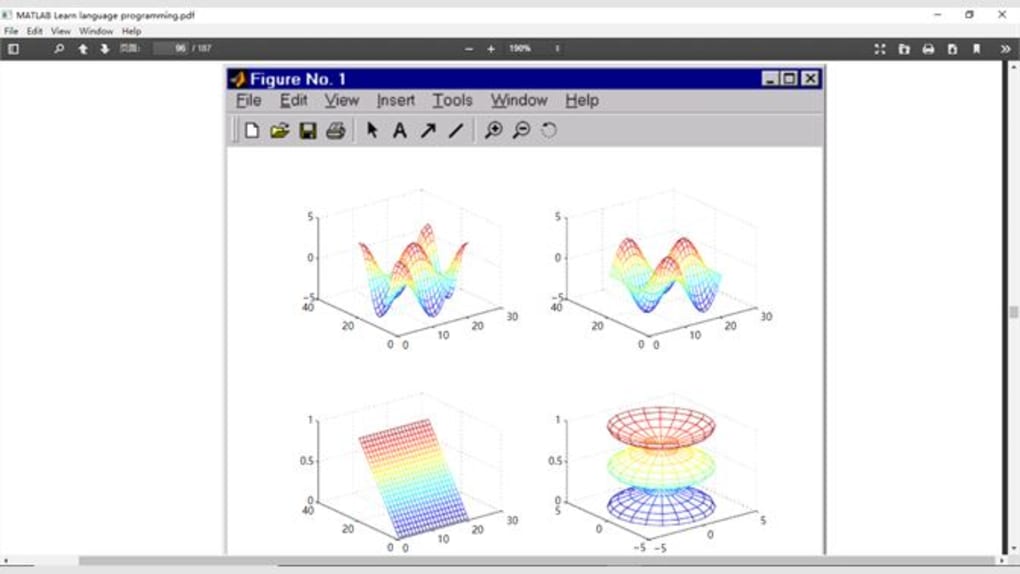
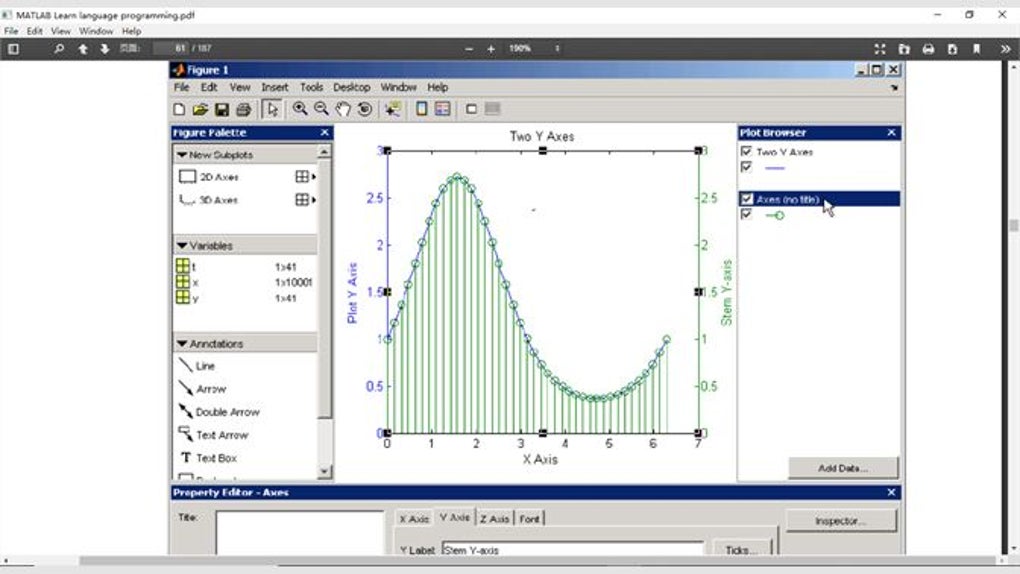
- Interactive Plotting: Create 2D and 3D visualizations with minimal code.
- App Designer: Build custom graphical user interfaces (GUIs) without needing advanced UI skills.
- Code Generation: Automatically convert MATLAB code into C, C++, or HDL for deployment on embedded systems.
- Cloud Integration: Run code on MATLAB Online or deploy apps to the web with MATLAB Web App Server.
Installation, Usage, and Compatibility Across Platforms
Getting started with MATLAB Learn Language Programming is straightforward, whether you're using Windows, Mac, or mobile devices. The software is available for Windows 10/11, macOS 10.15 or later, and even Android and iOS via the MATLAB Mobile app. For desktop users, the installation process begins by visiting the official MathWorks website and creating a free account. Once registered, you can download the installer, which includes the core MATLAB environment and several essential toolboxes.
After installation, the first-time setup guides you through selecting toolboxes based on your needs—such as Signal Processing, Image Processing, or Optimization. The interface is clean and user-friendly, with a command window, workspace browser, and editor all neatly organized. New users can launch the Getting Started tutorial, which walks through basic syntax, data types, and visualization techniques.
For mobile users, the MATLAB Mobile app allows you to run MATLAB code, view plots, and access your projects on the go. While full functionality is limited compared to the desktop version, it’s perfect for reviewing code or running simple simulations during fieldwork. The app also supports remote connections to your desktop MATLAB session, enabling seamless collaboration.
Regular updates are pushed through the MATLAB Update Manager, ensuring you always have access to the latest features, bug fixes, and security patches. The software is also compatible with cloud platforms like AWS and Microsoft Azure, allowing for scalable computing when handling large datasets. With support for multiple platforms and a reliable update system, MATLAB Learn Language Programming is a secure, future-proof choice for learners and professionals alike.
Pros and Cons: Is MATLAB Right for You?
Before diving in, it’s important to weigh the advantages and limitations of MATLAB Learn Language Programming.
Pros:
- Intuitive Syntax: Code reads like math, making it easy for beginners to learn.
- Rich Toolboxes: Hundreds of specialized toolboxes for engineering, finance, and data science.
- Strong Community Support: Active forums, documentation, and user-contributed content.
- Industry-Standard: Widely used in academia and top-tier organizations like NASA and Tesla.
- Interactive Learning: Live Editor and built-in tutorials accelerate the learning curve.
Cons:
- Cost: Full version requires a license (though free access is available for students).
- Resource-Heavy: Can be slow on older or low-spec machines.
- Limited Use in Web Development: Not ideal for building websites or mobile apps.
- Proprietary Software: Unlike open-source alternatives like Octave, it’s not freely distributable.
Despite these drawbacks, the benefits far outweigh the limitations for those in STEM fields. If you're serious about mastering technical programming, MATLAB is an investment in your future.
Frequently Asked Questions (FAQ)
What is MATLAB Learn Language Programming?
It’s an educational version of MATLAB designed to teach programming concepts through hands-on practice in science, engineering, and data analysis.
Is MATLAB free for students?
Yes, students can download MATLAB for free through their institution’s license or via the free MATLAB Online account.
Can I use MATLAB on Android or iOS?
Yes, the MATLAB Mobile app is available for Android and iOS, allowing you to run code and view results on mobile devices.
How often does MATLAB get updated?
MATLAB releases two major updates per year, with minor patches and security fixes delivered regularly through the Update Manager.
Is MATLAB better than Python for engineering?
While Python is more versatile for general programming, MATLAB excels in numerical computing, signal processing, and system simulation—making it the preferred choice in many engineering disciplines.
Conclusion: Start Your Programming Journey with MATLAB Today
If you’re serious about learning programming in science, engineering, or data analysis, MATLAB Learn Language Programming is one of the most powerful tools available. Its intuitive design, extensive toolboxes, and real-time feedback make it ideal for both beginners and experienced developers. Whether you're simulating a robot’s movement, analyzing climate data, or building a financial model, MATLAB provides the precision and performance you need.
Download MATLAB Learn Language Programming now and unlock your potential in technical computing. With secure updates, cross-platform support, and a vibrant learning community, this software is more than just a tool—it’s your gateway to innovation. Start your free trial today and take the first step toward mastering the language that powers the future of science and engineering.
Guides & Tutorials for MATLAB Learn language programming
How to install MATLAB Learn language programming
- Click the Preview / Download button above.
- Once redirected, accept the terms and click Install.
- Wait for the MATLAB Learn language programming download to finish on your device.
How to use MATLAB Learn language programming
This software is primarily used for its core features described above. Open the app after installation to explore its capabilities.
User Reviews for MATLAB Learn language programming 0
No reviews found





